Watch recorded behavior
Browser replays with synchronized views, shot navigation and frame links. The browser plays recorded simulations; nothing is re-simulated on your machine.
Play the motion. Inspect the failure. Keep the evidence behind every recorded experiment.
Recorded simulations · No account or install
GPU Cloth Lab ↗Explore the Hugging Face labs ↗Follow a guided review ↓
Six actual model outputs beside three original SmolVLA episodes. Compare images-only review with review supplied the outcome record, then inspect every claim offline.
Selected development examples · explanations are not verified causes
Four annotated views of the actual interface. No audio or new model run. Run the first review locally ↗ · Transcript · Source hashes
Follow one selected example, then check the full experiment yourself. No setup to explore.
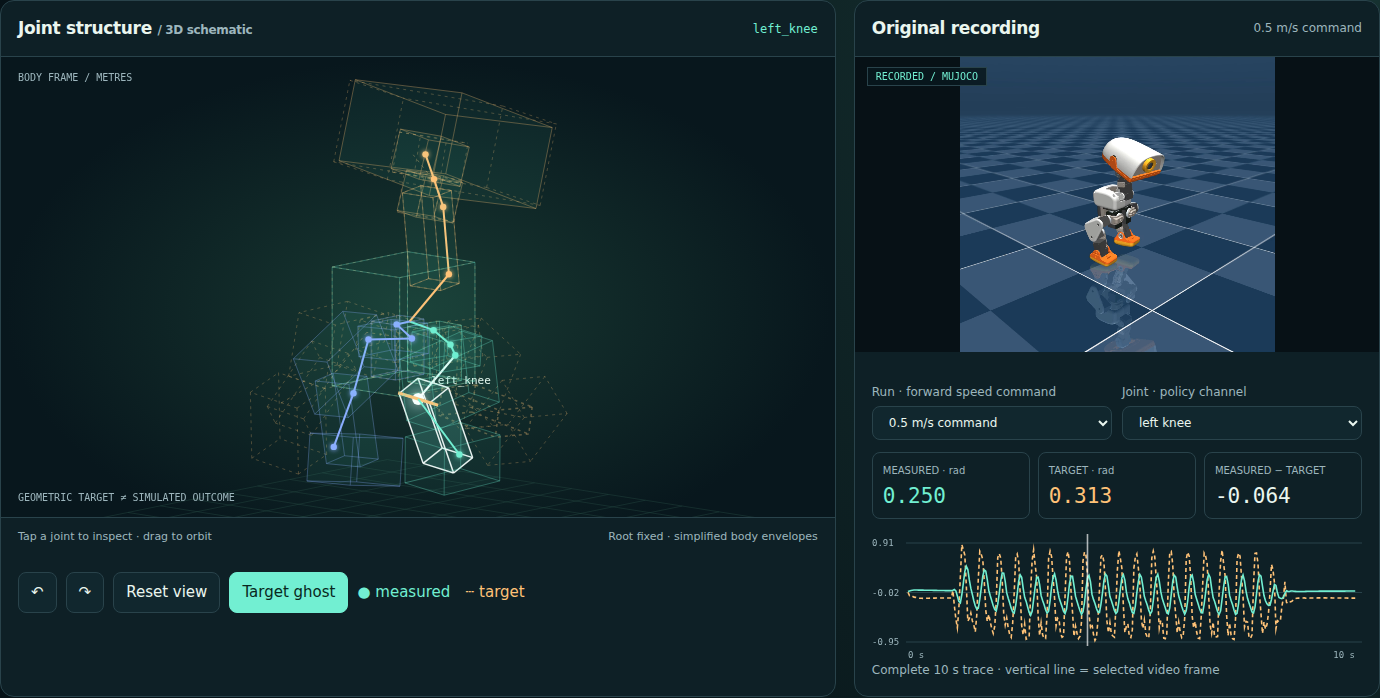
Rotate a 3D joint schematic beside the original walk. Overlay policy targets, inspect the residual heatmap, and switch between two recorded speed commands.
14 joints · 8,400 measured samples · body-fixed schematic · simulation with PD actuators
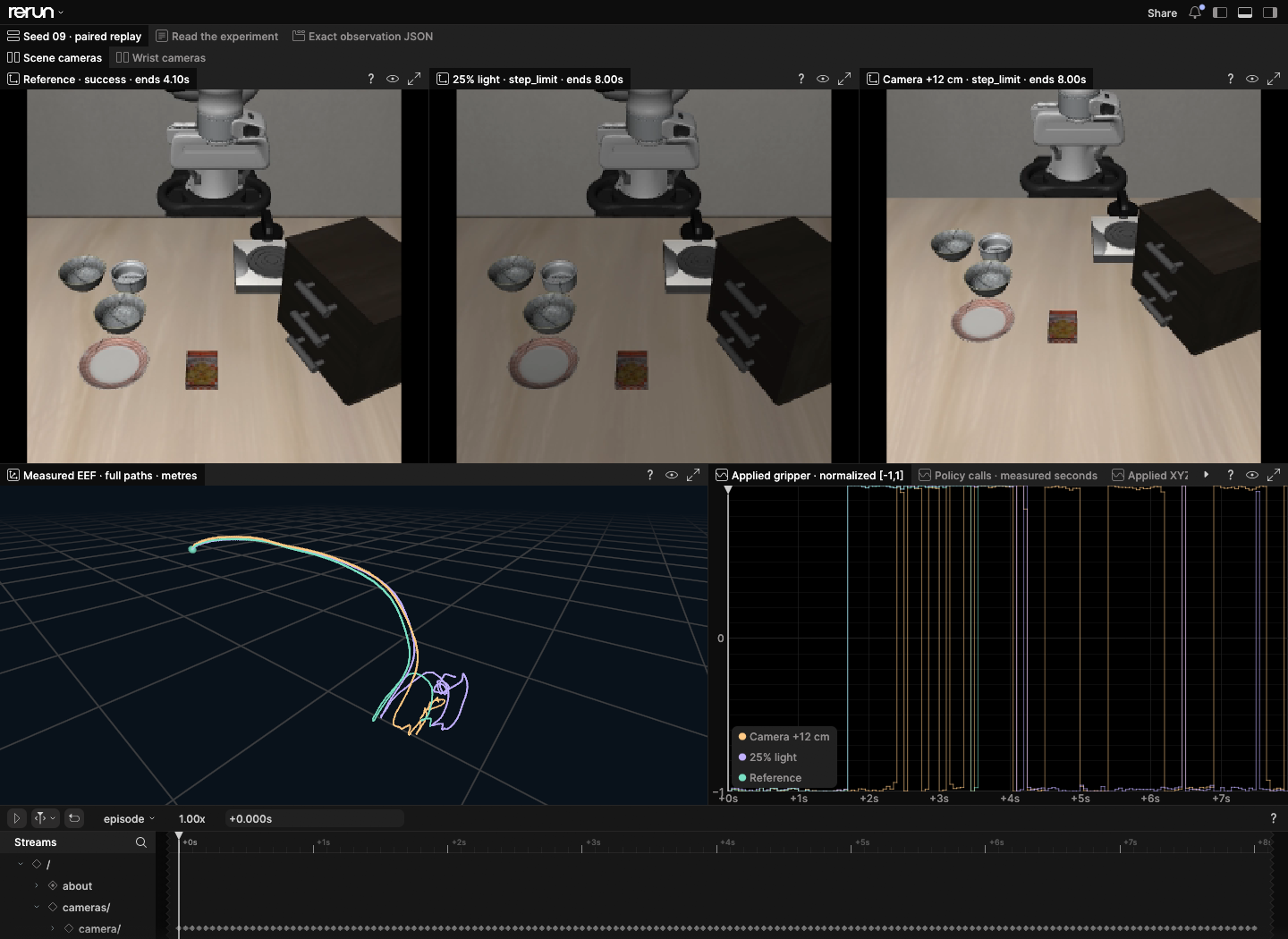
One run succeeds. Two reach the step limit. Put their camera views, measured 3D paths and applied controls on the same timeline, then inspect the policy calls behind the motion.
A selected group of 3 trials from the 30-trial Stress Lab. The full experiment remains available. Desktop browser recommended; the downloaded file opens locally in Rerun 0.37.2 with all six videos included.
Inspect this pair in the browser replay ↗ · Rebuild and verify
Inspect Microduck joints, compare simulation error, explore cloth deformation, or review paired policy trials. Each lab includes original data, a replay and verification tools.
Extract each ZIP into its own folder and open index.html. No account, Python or GPU is required to replay. The installed CLI checks source data and exported frames. Downloads below follow the latest release; its checksums identify the exact files.
Quick start guide ↗ · SHA-256 checksums ↓ · Installation packages & all files ↗
Verify all 30 Stress Lab trials and the original SmolVLA episode, then turn the recorded braking comparison into a checked storyboard.
git clone https://github.com/noteflowai/robot-reel.git
cd robot-reel
# Check all 30 paired trials and the complete evidence.
python3 -m robot_reel.cli stress docs/stress
# Check the recorded policy episode and its evidence.
python3 -m robot_reel.cli vla docs/vla
# Turn the included braking comparison into a checked storyboard.
python3 -m robot_reel.cli direct docs/compare/braking \
  --plan examples/contact-storyboard.json --output artifacts/director
Install the released CLI from PyPI; see the installation and Docker guide. To collect new GPU trials, follow the recording recipe.
Review policy outcomes in Stress Lab, inspect numerical error in Solver Lab, or edit captured assets in Blender Scene Lab. Each includes source data and a reproduction guide.
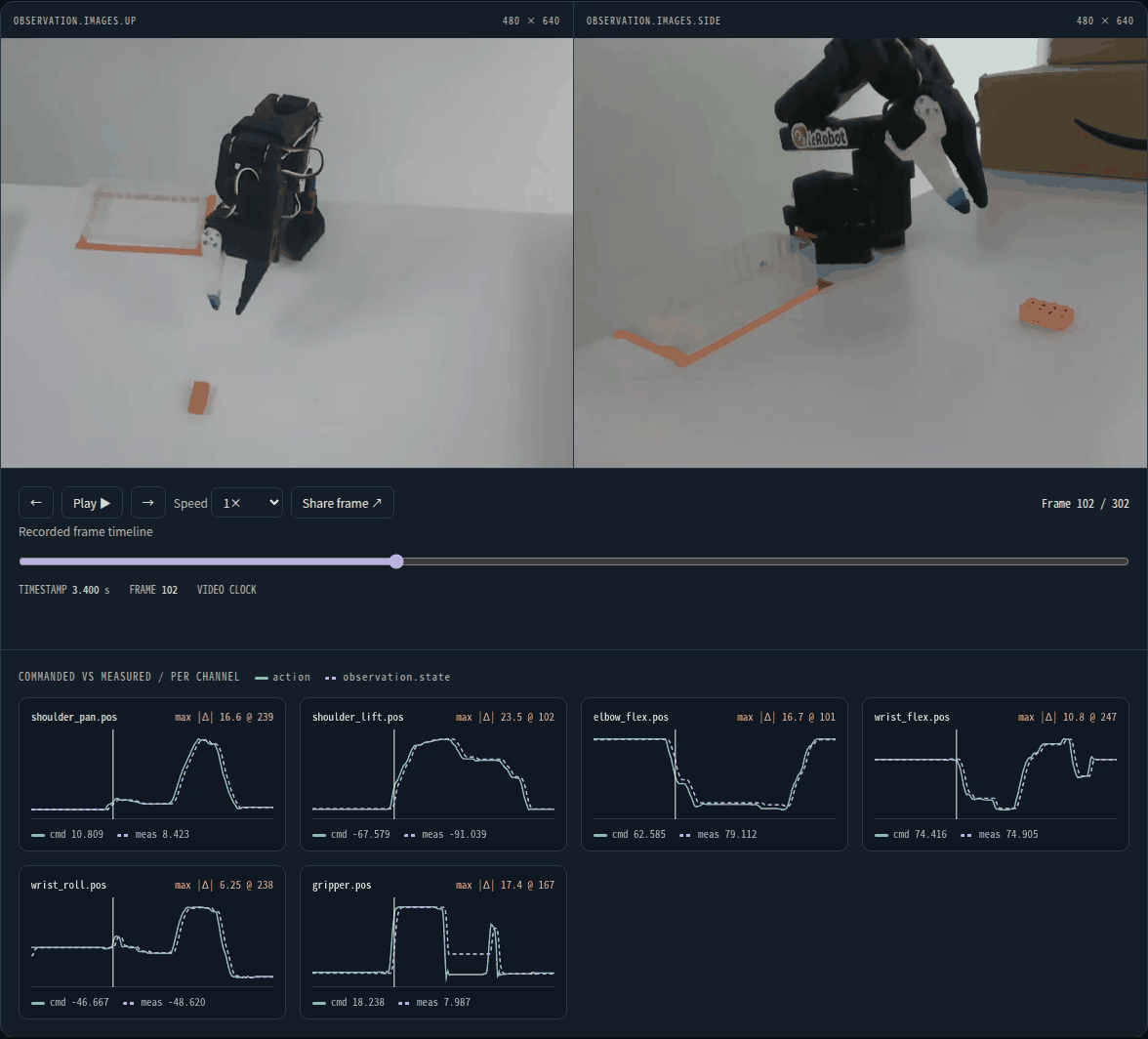
Turn any LeRobotDataset episode, on the Hub or on disk, into an offline replay: every camera, commanded versus measured joints and fingerprinted source files.
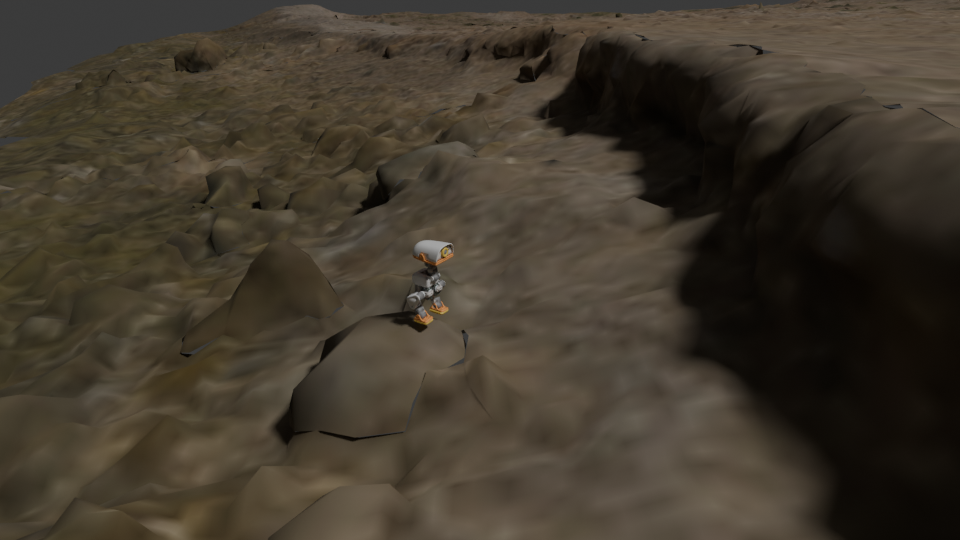
Follow the recorded robot, inspect terrain contacts, and match its original camera in Blender. Both runs, all 362 frames, editable native projects.
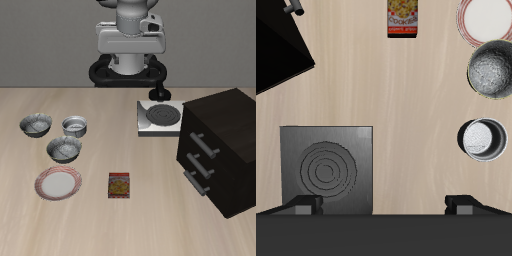
One paired initial state, three native conditions. Baseline and lighting succeed; the camera variant reaches the step limit. Inspect every source frame and action.
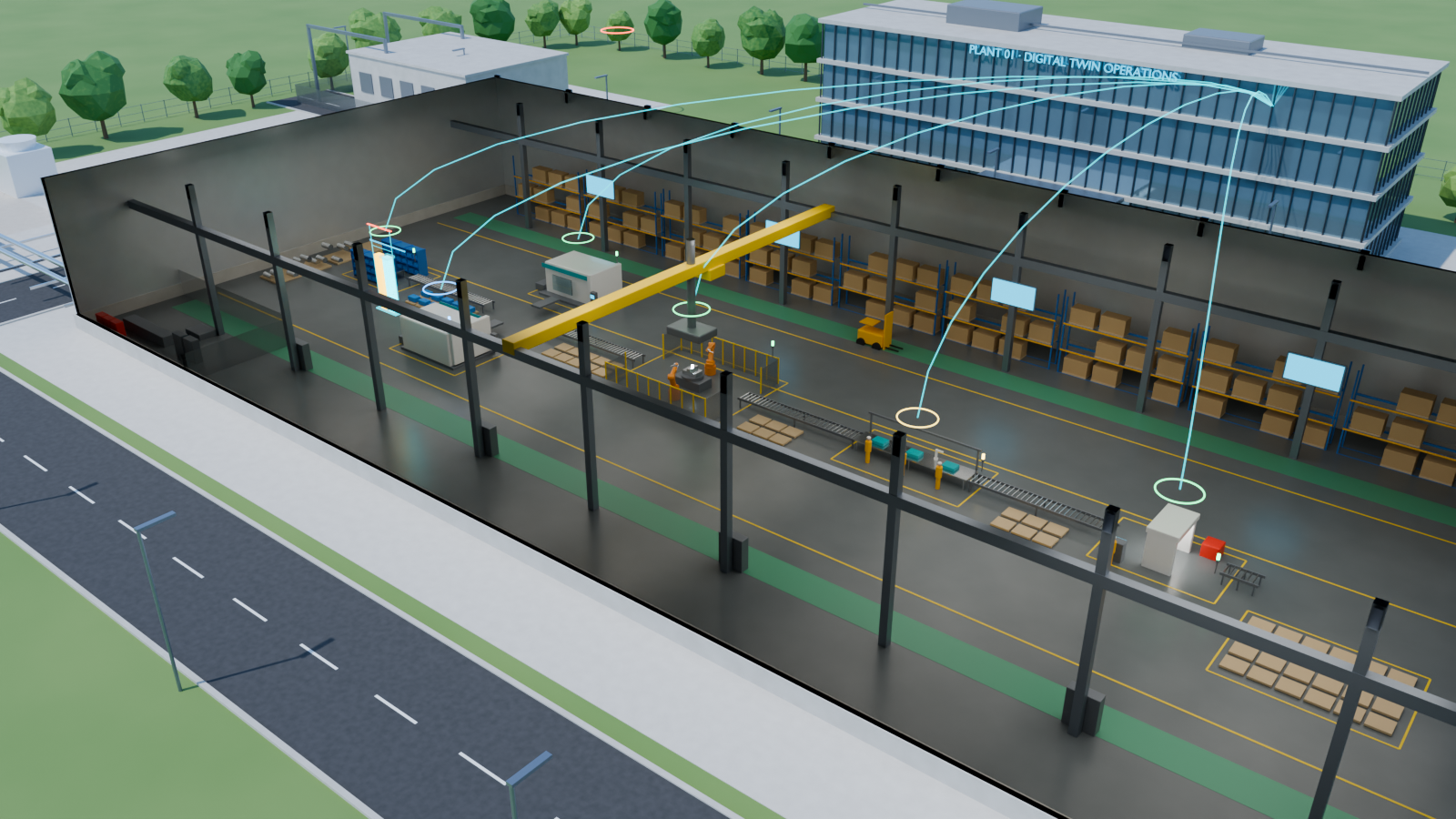
A digital twin estimates hidden spindle wear, forecasts billed demand and acts on the plant. Compare it with the same twin in shadow mode across 12 paired shifts.
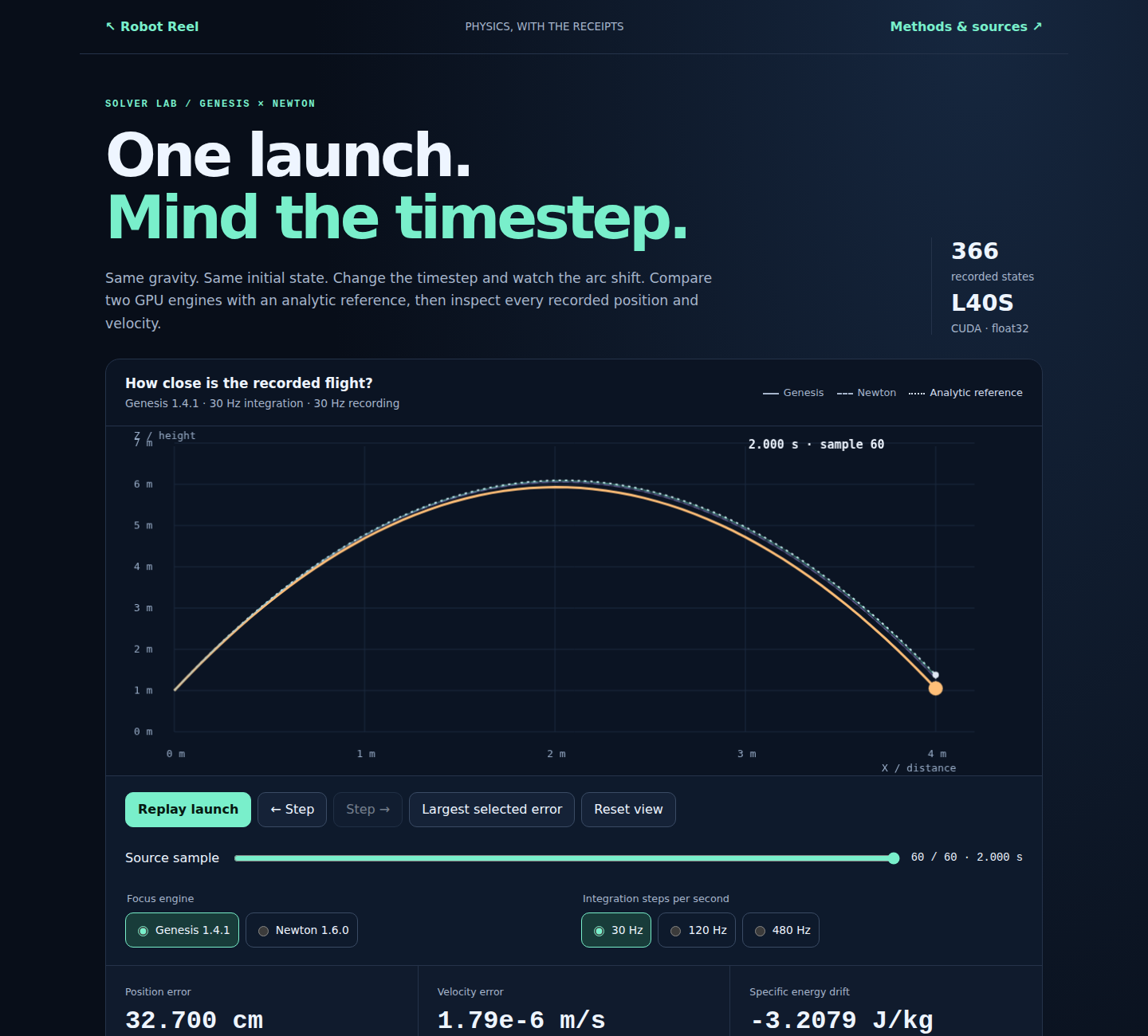
Change the timestep, inspect the shift, and compare every position and velocity with the analytic flight. Native replays, editable USD and the complete offline lab.
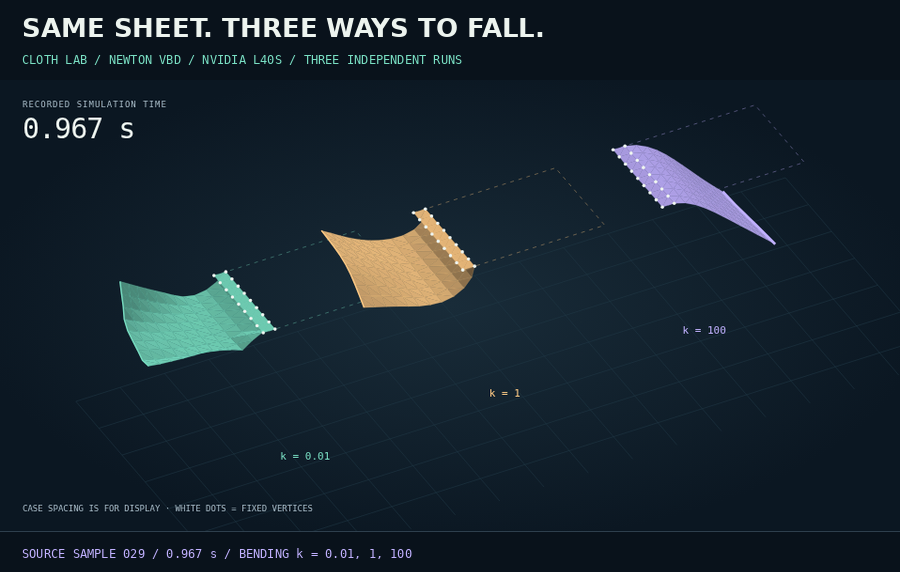
Export a slide-ready figure, or open a shared sample and check it against the original recording. Orbit the meshes and take the scene into Blender.
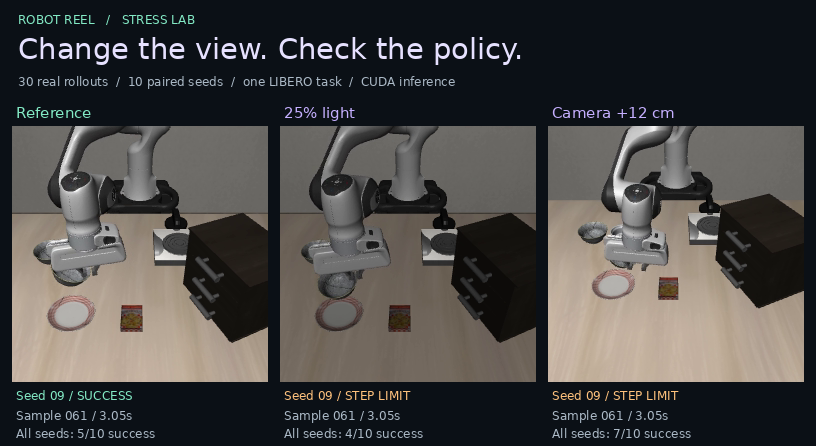
Inspect all 30 trials. Group paired successes, gains and losses; open any seed and export a complete outcome report for independent checks.
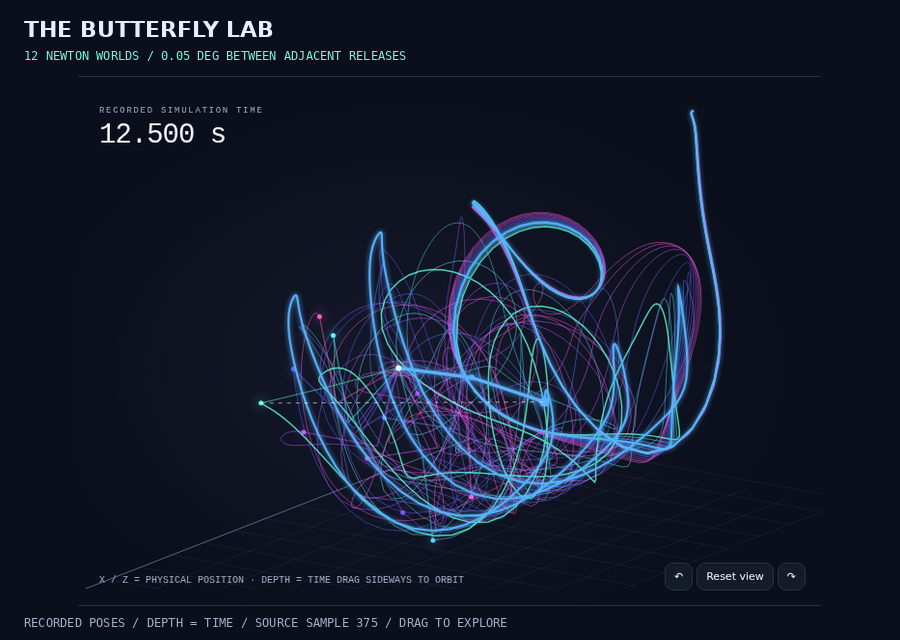
Twelve isolated worlds begin at nearly identical angles. Drag to orbit their recorded paths and find where a tiny release difference becomes a 6.26 m gap.
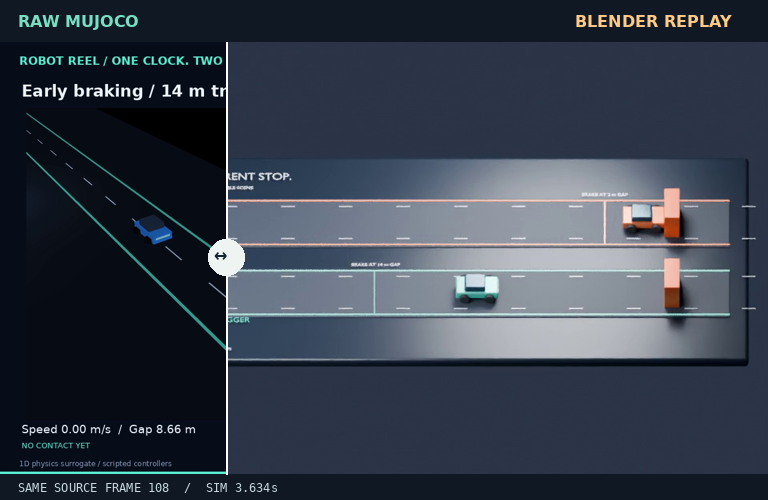
Drag between the original simulation and its Blender replay. Same source samples, same simulator clock, a different camera and scene.
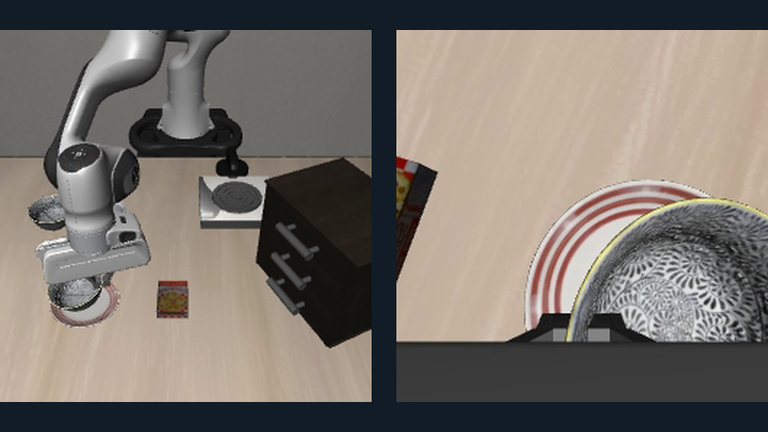
A language instruction becomes an actual SmolVLA rollout. Inspect both camera views, measured state and each applied control.
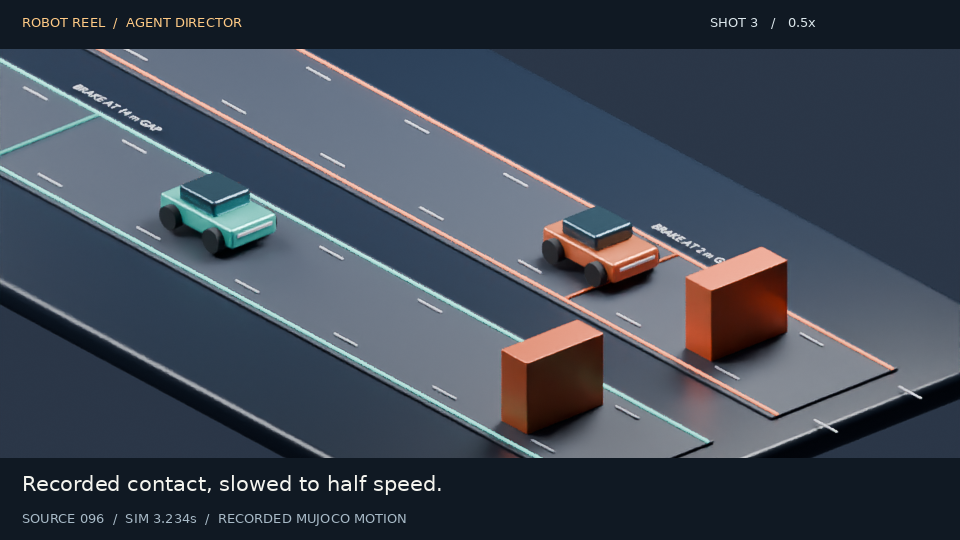
An MCP agent plans camera cuts, captions and slow motion. Every frame of the editable film maps back to the original recording.
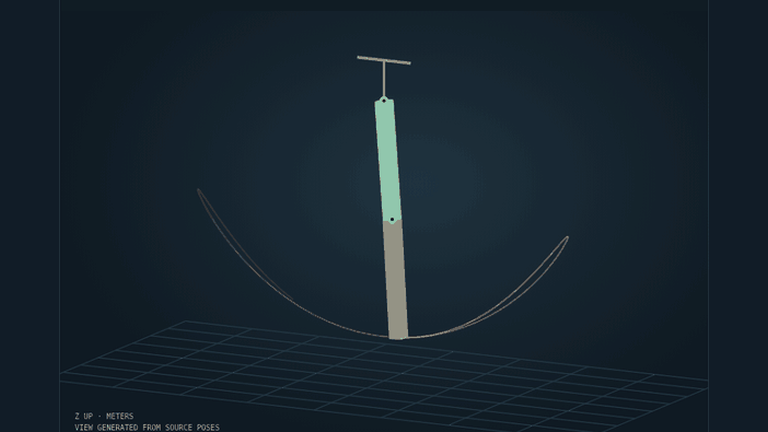
Record Newton physics on CPU, explore measured poses in the browser, then open the animated OpenUSD scene in Blender.
Orbit a joint schematic, overlay targets and inspect 8,400 measured joint samples. Compare two walks and take the original evidence offline.
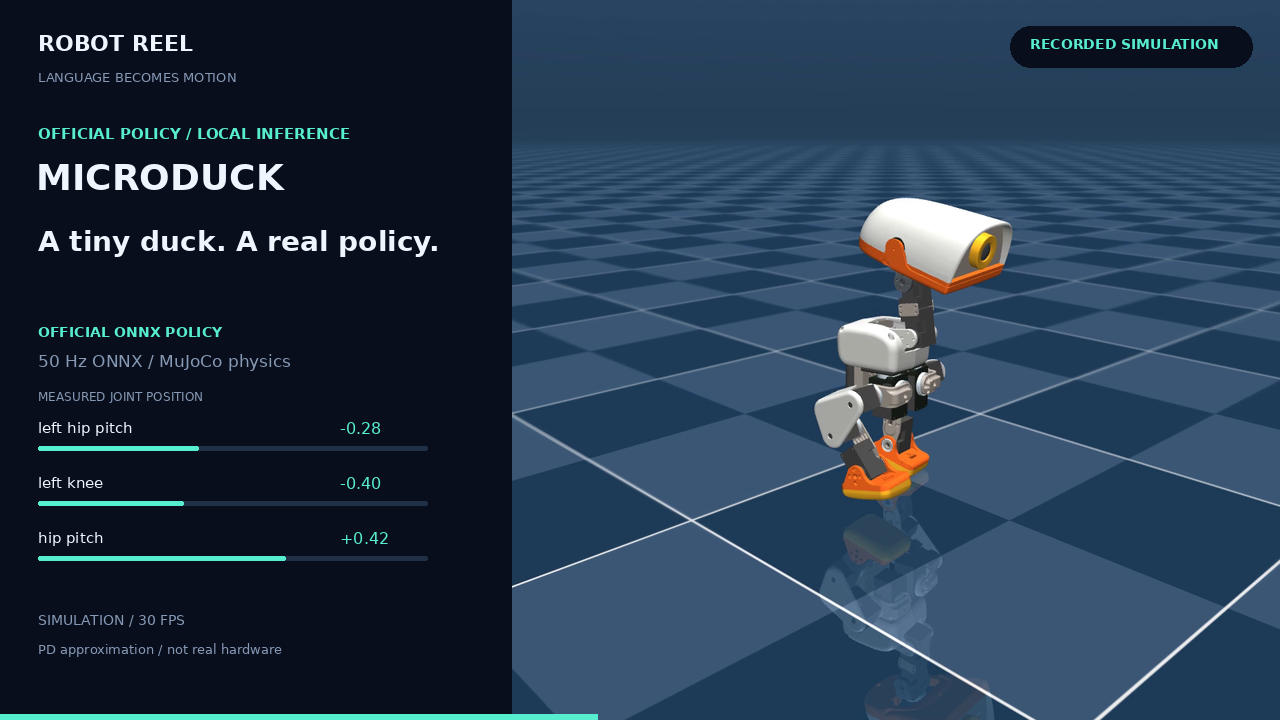
Pollen Robotics' Microduck walks with its official policy. Follow 14 joint targets, measured responses and base motion frame by frame.
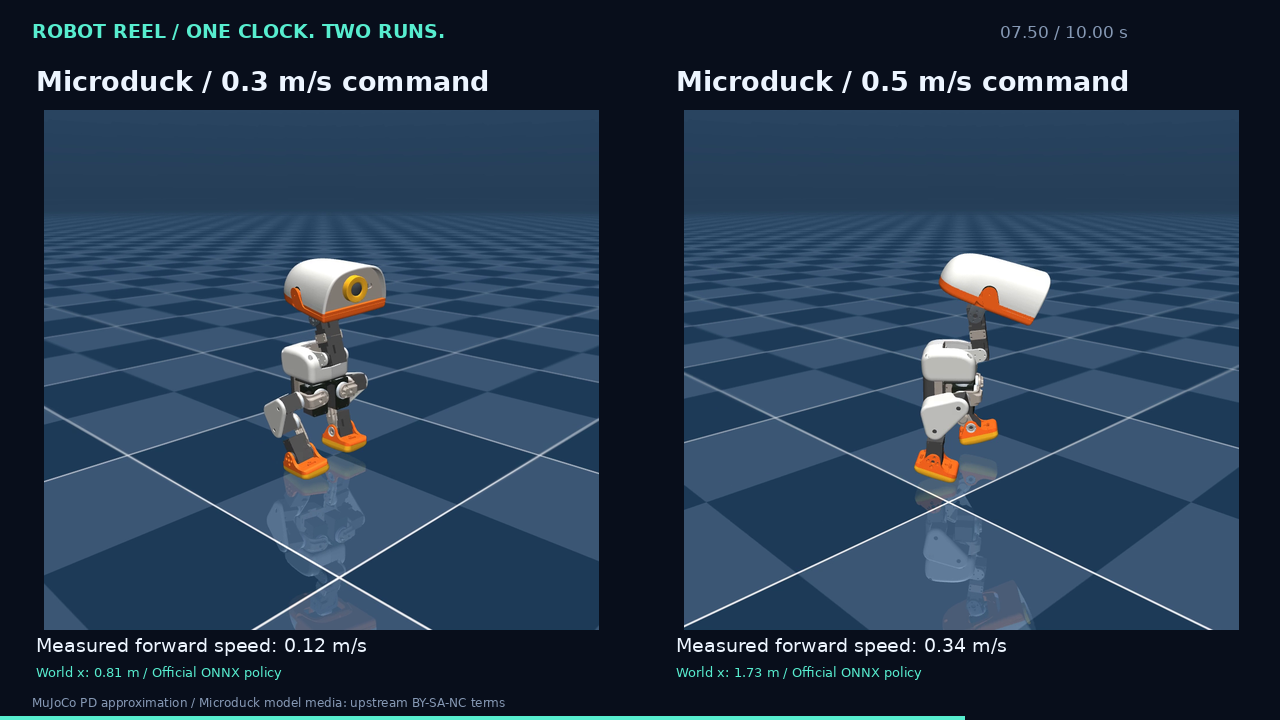
Two independent Microduck captures aligned on simulation time. Step both views together and read the measured difference.
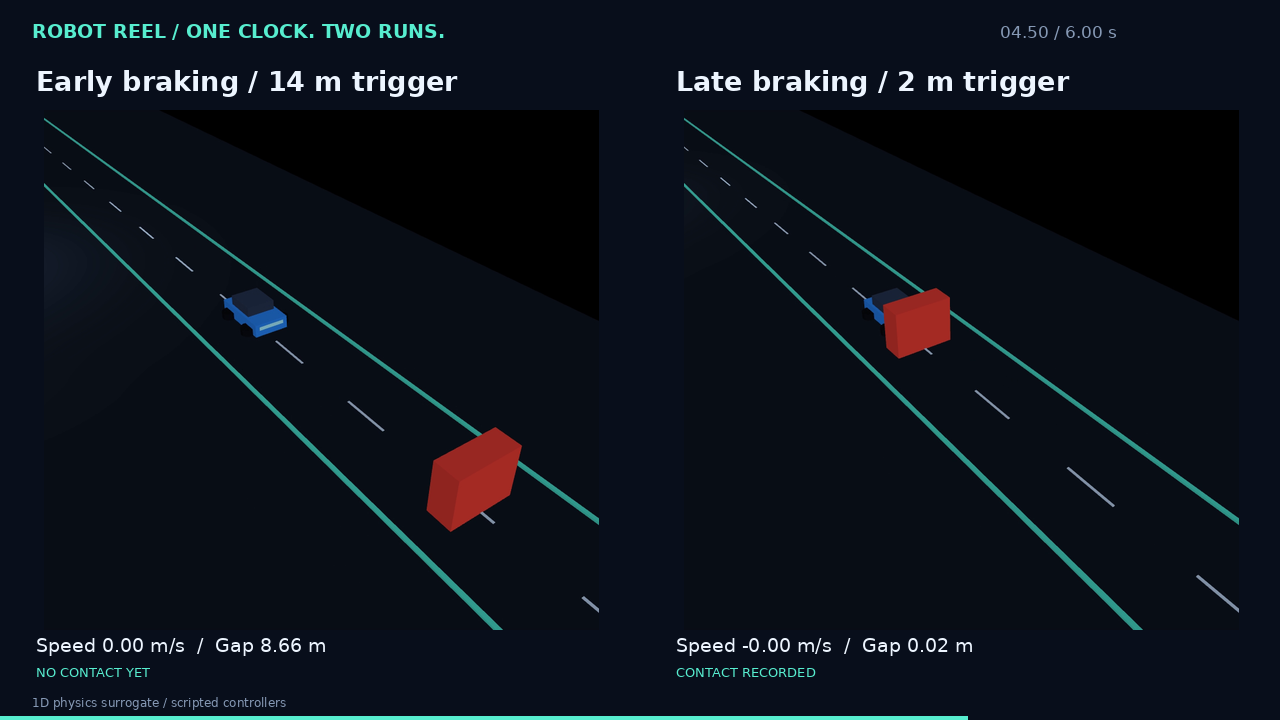
Two one-dimensional MuJoCo trials with the same initial conditions and different brake thresholds. Jump to the recorded contact.
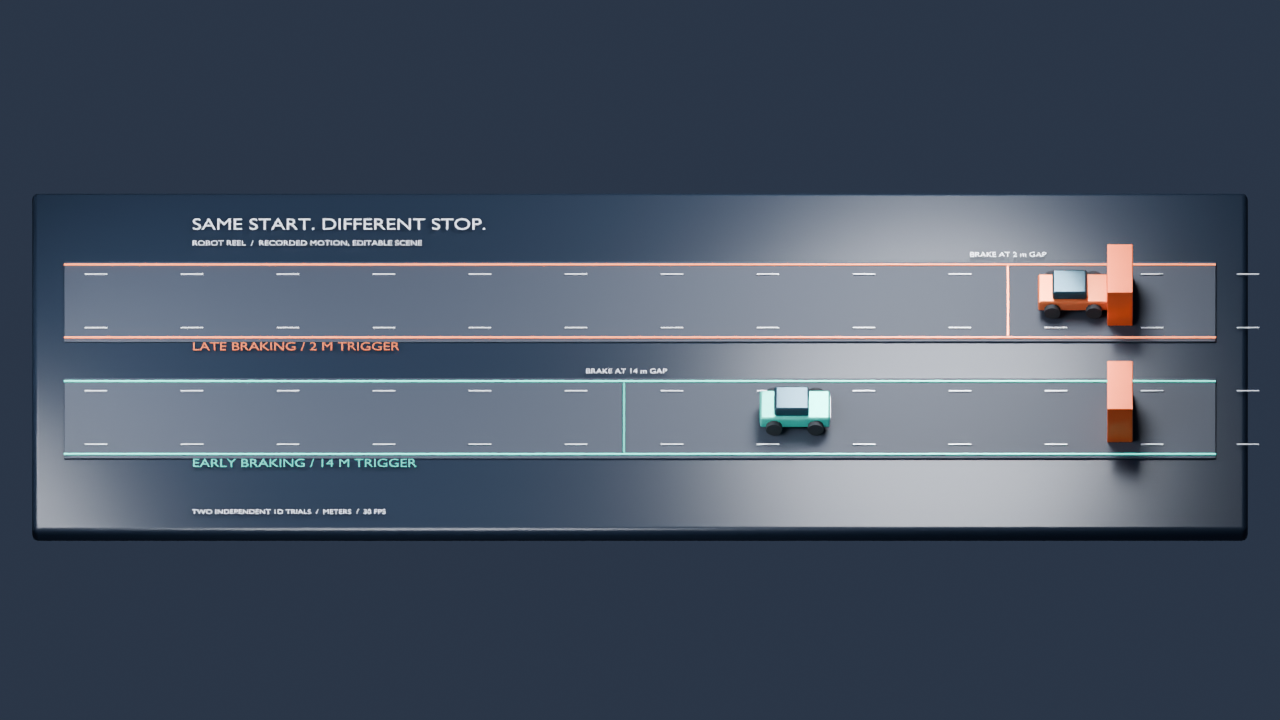
Download the braking replay as a Blender project whose keyframes come straight from the recorded trace.
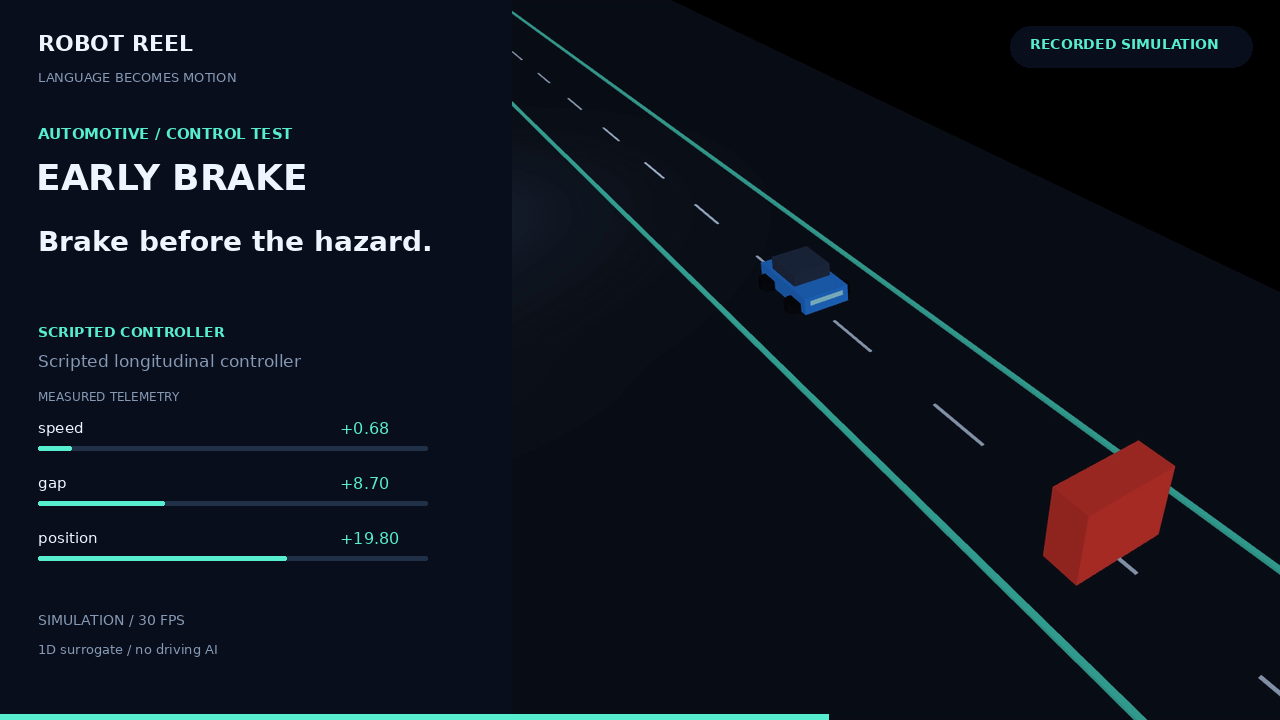
The single-run replay behind the comparison: applied controls, measured state and frame links.
A recorded SO-100 arm scene with shot navigation and per-frame telemetry, the starting point for the example shot plans in the repository.
Browser replays with synchronized views, shot navigation and frame links. The browser plays recorded simulations; nothing is re-simulated on your machine.
Applied controls, measured poses, recorded outcomes, source revisions, hardware and timing. Validators check hashes, timestamps and frame mappings.
Offline episodes, MP4s, JSON and MCAP traces, editable Blender projects and animated OpenUSD scenes.
27 real GPU model trials connect Robot Reel recordings, Skills Anywhere delivery and EvalArc grading. All failures, MCP receipts and candidate files are retained.
Inspect the Skill Impact Lab ↗ OpenEnv: verify the native edit ↗A separate 36-attempt SWE workflow review uses three public Python projects and four fixed conditions. No attempt obtains acceptance: 31 have assessable reports and five remain uncertain. Inspect eight nonempty patches, source-path failures and native grader labels. These are coding-task records, separate from the robot-trajectory examples.